
 -20%
In your cart
Browse the full Furniture range.
Browse the full Test & measurement range.

1 product · A managed 24-port PoE+ switch with SFP uplinks, plus other configurations on quote: pick the right switch for your cameras, Wi-Fi access points and IP phones in Morocco.
-20%
In your cart
Pick a PoE switch on four criteria: port count, PoE budget, management level and uplinks. Always start from the list of devices it has to power.
Common sizes are 8, 16, 24 and 48 ports. Count your PCs, cameras, access points and phones, then add 20 to 30% spare. Past 48 devices, several stacked switches can be managed as one.
The switch's total PoE budget matters as much as the per-port figure: add up each device's real draw and keep a 20% margin.
An unmanaged switch is plug and play and suits a small office. A managed switch lets you create VLANs (cameras, voice and guests kept apart), apply QoS to voice traffic, enable 802.1X authentication and monitor ports. As soon as CCTV or VoIP is involved, go managed.
SFP ports connect the switch to fiber, towards the core or another building. Choose SFP transceivers to match the fiber (single-mode or multimode) and the speed (1 Gbit/s SFP, 10 Gbit/s SFP+).
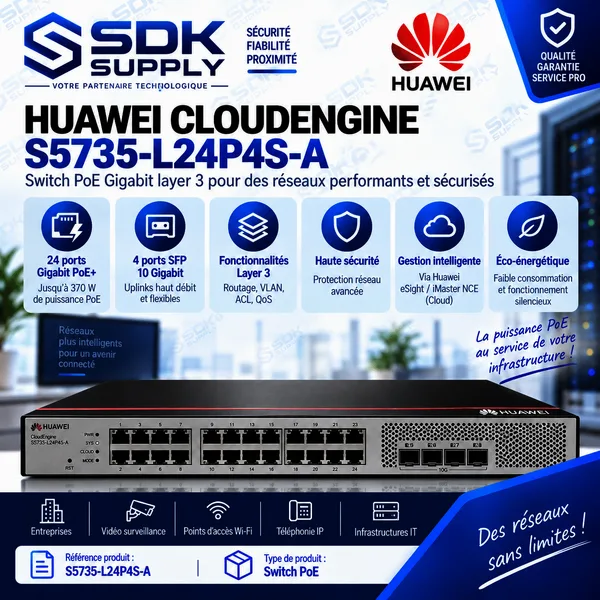
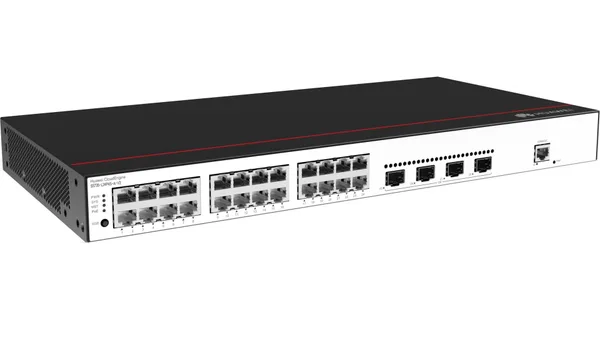
The Huawei CloudEngine S5735-L24P4S-A is a managed Gigabit switch with 24 PoE+ ports and 4 SFP ports. It offers 336 Gbit/s switching capacity, 802.1X and IP-MAC-port-VLAN binding, and iStack stacking to run several units together. It powers IP cameras, Wi-Fi access points and IP phones, and connects to fiber with the patch cords in structured cabling.
Need 8, 16 or 48 ports, PoE++ or 10 Gbit/s uplinks? Describe your setup in the quote form and we will propose a configuration.
We deliver across Morocco: 48 hours for in-stock items, about 10 days for items on order, with cash on delivery and invoices with ICE.
Send us your requirement and quantities: we reply with a priced offer.
Request a quote