
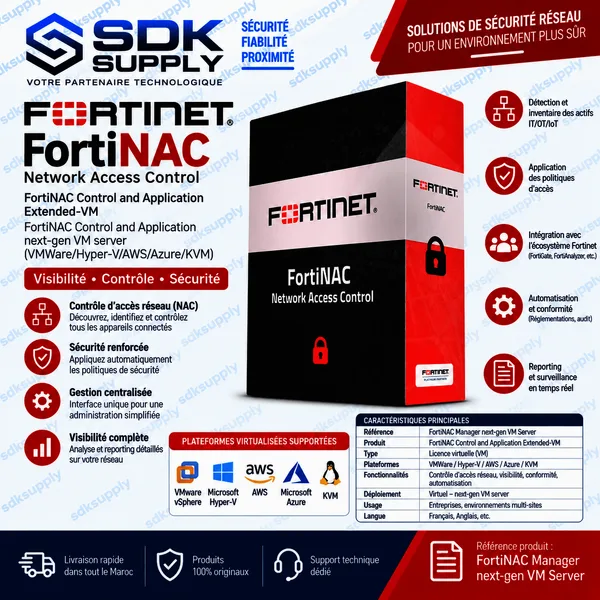
 -17%
In your cart

Network & perimeter security
4 products · FortiGate firewalls in Morocco: how to size a Fortinet NGFW for your users and bandwidth, and which ATP, UTP and FortiCare licences to choose.
-17%
In your cart
 -17%
In your cart
Fortinet
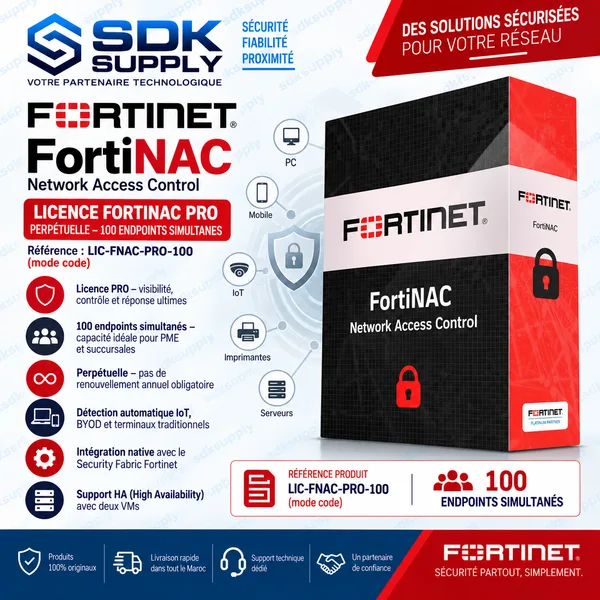
FortiNAC PRO Perpetual License, 100 Concurrent Endpoints
22 370,00 DH
26 845,00 DH
Available to order
 -17%
In your cart
Fortinet
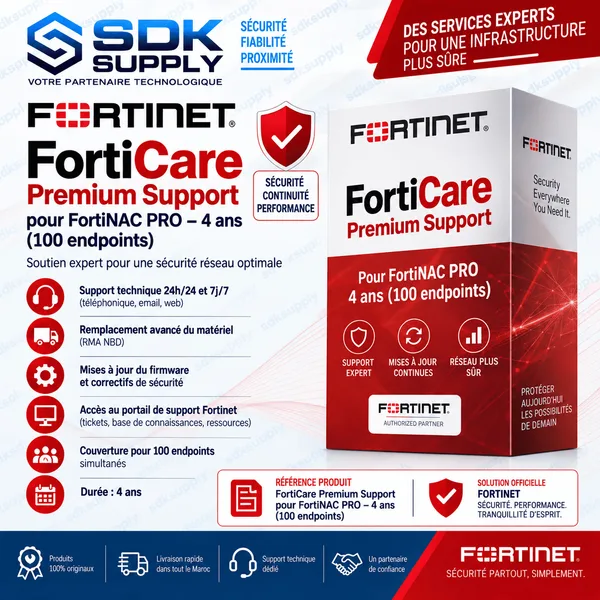
FortiCare Premium Support for FortiNAC PRO, 4 Years (100 Endpoints)
15 730,00 DH
18 875,00 DH
Available to order
 -17%
In your cart
Fortinet
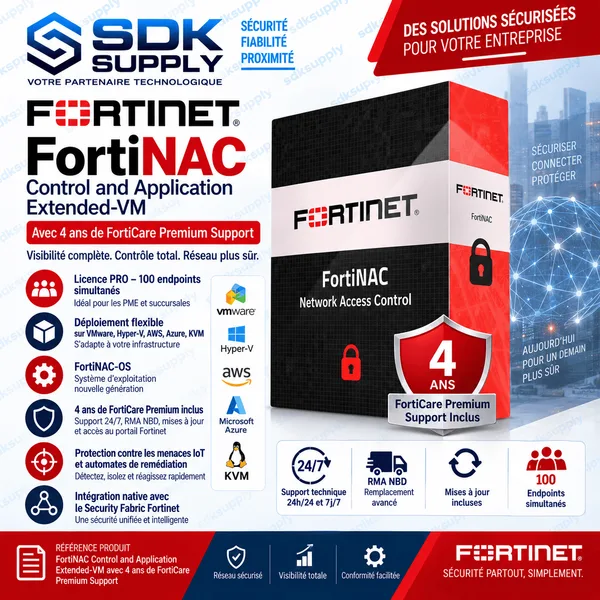
FortiNAC Control and Application Extended-VM with 4 Years FortiCare Premium Support
32 490,00 DH
38 990,00 DH
Available to order
Buying guide
What is an NGFW?
A next-generation firewall (NGFW) is the appliance sitting between the Internet and your network that filters traffic and also inspects its content. On top of classic address and port rules, a FortiGate recognises applications, blocks intrusions (IPS), scans files for viruses and can send suspicious files to a sandbox. It is your perimeter protection: everything entering or leaving your premises goes through it.
Sizing a FortiGate: users and throughput
Size your FortiGate on throughput with protections enabled, not on the headline firewall figure. Firewall throughput measures plain filtering; once IPS and antivirus inspect the traffic, usable throughput drops sharply. What to check:
- Internet bandwidth: IPS throughput should exceed your Internet link, fibre included, with headroom.
- Users and devices: every PC, phone and camera opens sessions, so count devices, not just staff.
- Ports and links: number of LAN ports, need for a second Internet line, VLAN segmentation.
- Remote sites and home working: if you connect branches or remote staff over VPN, check VPN capacity on the datasheet.
FortiGate models available
- FortiGate-40F with 4-year ATP licence: a compact, quiet model for small businesses and branch offices, with 5 Gbps firewall and 1 Gbps IPS throughput.
- FortiGate-100F with 4-year ATP licences: for more demanding companies, with 20 Gbps firewall and 2.6 Gbps IPS throughput.
Both include FortiCare Premium according to their product sheets. This page also lists FortiNAC licences, which control devices inside the network: they are covered in Authentication and IT access.
Licences: ATP, UTP and FortiCare
The appliance alone is not enough: licences are what switch on continuously updated security services.
- ATP (Advanced Threat Protection): IPS, antivirus, application control and sandboxing, the core threat protection.
- UTP (Unified Threat Protection): everything in ATP plus, among others, web and DNS filtering and antispam, useful to control browsing.
- FortiCare: the support and maintenance contract (assistance, hardware replacement, firmware updates).
Set the term when you buy: a 4-year licence avoids a last-minute renewal.
Mistakes to avoid
- Choosing on raw firewall throughput and saturating the box once inspection is on.
- Letting the licence lapse: the FortiGate still filters, but its signatures are no longer updated.
- Underestimating connected devices: IP cameras, printers and smartphones count too.
We deliver all over Morocco: 48 hours for items in stock, about 10 days for items on order, with cash on delivery available and ICE invoices. For several sites or a specific setup, request a quote.
Need a custom configuration?
Send us your requirement and quantities: we reply with a priced offer.
Request a quoteFrequently asked questions
Which FortiGate suits a small business?
For a small office or branch, the FortiGate-40F (5 Gbps firewall, 1 Gbps IPS) is usually enough. If your Internet link is close to or above 1 Gbps, or the site has many devices, move up to the FortiGate-100F with 2.6 Gbps of IPS. Always size on IPS throughput, not firewall throughput.
What is the difference between ATP and UTP licences?
ATP covers threat protection: IPS, antivirus, application control and sandboxing. UTP includes those services and adds, among others, web and DNS filtering and antispam. Choose UTP if you need to control what users browse.
What happens when a FortiGate licence expires?
The appliance keeps enforcing your firewall rules, but security services stop receiving updates and FortiCare support ends. Your network is then exposed to new threats, which is why you should renew before the end date.