

Interactive touch display prices in Morocco, 2026
The table below shows current prices for our all-in-one touch displays, video wall screens, KVM switches and AV cables. The guide explains what drives the price of an interactive display and how to choose one for your room.
Current prices at SDK Supply
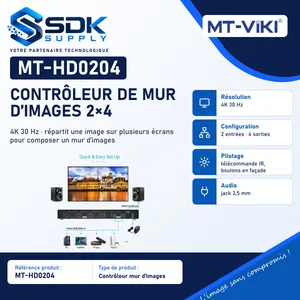
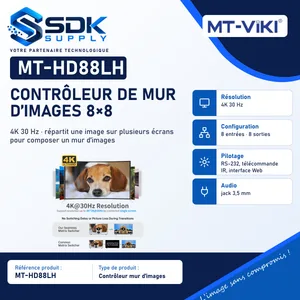
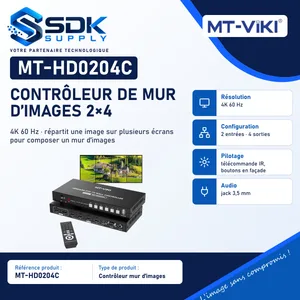
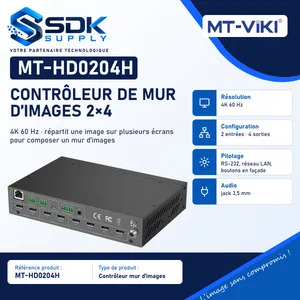
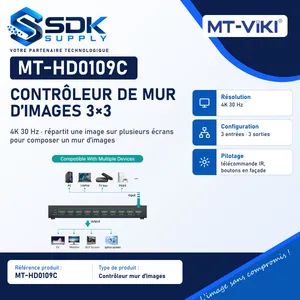
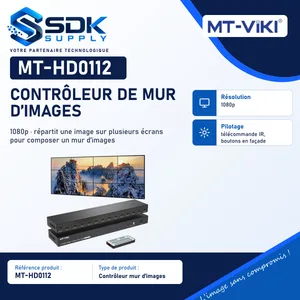
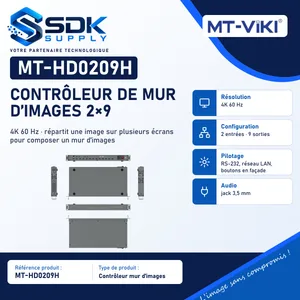
Prices updated 27 November 2026, incl. VAT, delivery extra.
What drives the price of an interactive display
An interactive display's price depends first on its size, then on resolution, touch technology and the built-in system. Moving from 55 to 75 inches is the biggest cost step, because the panel, the glass and the frame all grow together.
- Size: 55 inches for a small meeting room, 75 inches for a large room or a classroom where pupils at the back need to read the screen.
- Resolution: 4K UHD keeps text sharp up close on a large screen, Full HD is still fine on a smaller one.
- Touch points and accuracy: 20 points let several people write at once, 10 points suit more individual use.
- Built-in system: an embedded Android system means no PC is needed for everyday use, a Windows option opens up desktop software.
- Glass and finish: tempered glass, a slim bezel and a thin body improve durability and fit.
- Mounting: wall bracket or mobile stand, budgeted separately depending on the room.
Which display for which use
Meeting rooms
In a meeting room, an all-in-one touch display replaces both the projector and the whiteboard. Check the HDMI and USB inputs so attendees can plug in their laptops.
Classrooms and training
In a classroom, go for a large size and multi-touch so several pupils can work together. Thicker tempered glass copes better with heavy daily use.
Digital signage and video walls
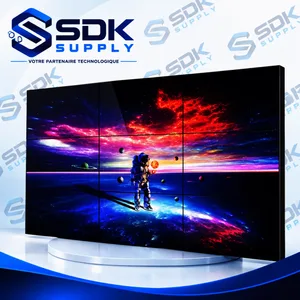
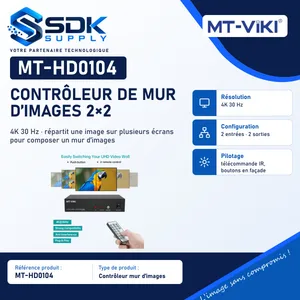
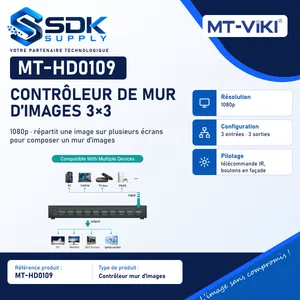
For a lobby, a monitoring room or a control centre, a video wall built from ultra-narrow bezel screens works better than a single display. It needs a controller or matrix to route the video sources.
How to choose your interactive display
- Measure the distance from the screen to the back row before picking a size.
- Check that the wall can carry the screen, or plan for a mobile stand.
- List the sources to connect: computers, video conference camera, streaming box.
- Plan HDMI cables of the right length and, beyond a few metres, use cables built for distance.
- Make sure a power socket and a network point sit where the screen will go, so you avoid extension leads across the floor.
- For video calls, check that your USB camera and microphone work with the display's built-in system.
- Think about who will use it every day: a teacher or a sales team will want something that starts fast and needs no setup.
Models available at SDK Supply
Our display and distribution range covers the screen and everything around it:
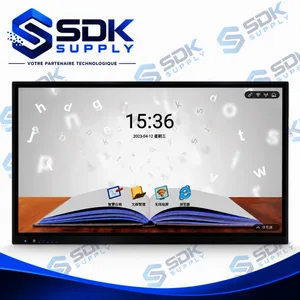
- KAWDEN XC-CM750 75" 4K all-in-one touch display: 20-point infrared touch, Android 11, 14 mm thin.
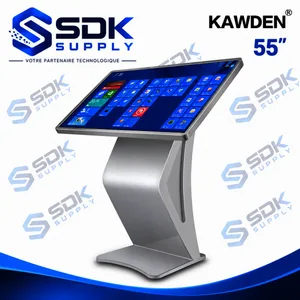
- KAWDEN XC-550 55" all-in-one touch display: Full HD, 10-point infrared touch, 3 mm tempered glass, Windows or Android.
- KAWDEN KD-S55017SL-HYLG 55" video wall screen: 0.88 mm bezels, 500 cd/m².
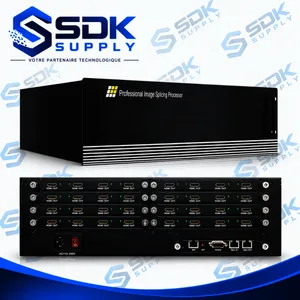
- Godin GS-5000 video wall control unit and MT-VIKI MT-HD1616-W 16x16 HDMI matrix to distribute sources.
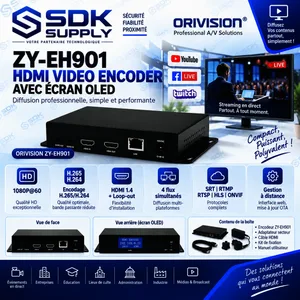
- ORIVISION ZY-EH901 H.265 HDMI encoder for live streaming, KINGV 3-port HDMI KVM switch and MT-1908UL 19" LCD KVM console.
- Cables and adapters in our AV cables and adapters range.
Mistakes to avoid
- Choosing a screen too small for the depth of the room.
- Leaving the wall bracket or stand out of the budget.
- Overlooking connectivity: a short cable or a missing adapter stalls the setup on the day.
- Building a video wall with no controller to drive the screens.
Request a quote for a project
To fit out several rooms, a school or a video wall, ask for a quote. Tell us the number of rooms, their size and the sources to connect through our quote form: you get a priced offer with an ICE invoice. We deliver all over Morocco, within 48 h for items in stock and in about 10 days for items on order, and payment on delivery is available. More comparisons are waiting in our buying guides.
Need a custom configuration?
Send us your requirement and quantities: we reply with a priced offer.
Request a quote